

Processing unstructured documents
Ingest raw documents — PDFs, docs, spreadsheets, slide decks — directly into Adaptive Data, without writing a preprocessing pipeline.
Most of an organization’s accumulated knowledge lives in formats designed for people, not machines: PDFs, OCR’d docs, spreadsheets, word-processor docs, slide decks, email threads. Inconsistent layouts, embedded tables, merged cells, handwriting, and footnotes mean the moment you try to use that material with a model, you end up building and maintaining a custom preprocessing pipeline just to make it readable. It is slow, brittle, and expensive—and it is the work that keeps the most valuable data out of reach.
Adaptive Data accepts these documents in their raw, native form and maps them into datasets directly—no upstream conversion, no bespoke parsers, no schema reconciliation. You bring the documents; the Adaptive Data Forge feature handles extraction, structuring, and transformation, then hands you back a dataset that flows through the same adaptation, evaluation, and export steps as any other.
What counts as an unstructured document?
Section titled “What counts as an unstructured document?”If your source material is document-style—formatted for human readers rather than for tabular consumption—the app handles it as unstructured data, regardless of how you bring it in (local upload, Hugging Face, or Kaggle). Common examples:
- PDFs, including scanned and OCR’d files
- Spreadsheets with merged cells, multi-row headers, or per-sheet variation
- Word-processor documents with embedded tables and footnotes
- Slide decks where the structure is layout, not rows
- Email threads and similar conversational exports
What happens in the app
Section titled “What happens in the app”When document-style files arrive in the app—whether by local upload, Hugging Face, or Kaggle import—the app detects that the data is unstructured and asks two short questions that shape the resulting dataset.
Opt in to unstructured processing
Section titled “Opt in to unstructured processing”Choose Yes to enable unstructured document processing—the app will extract and structure the data for you.
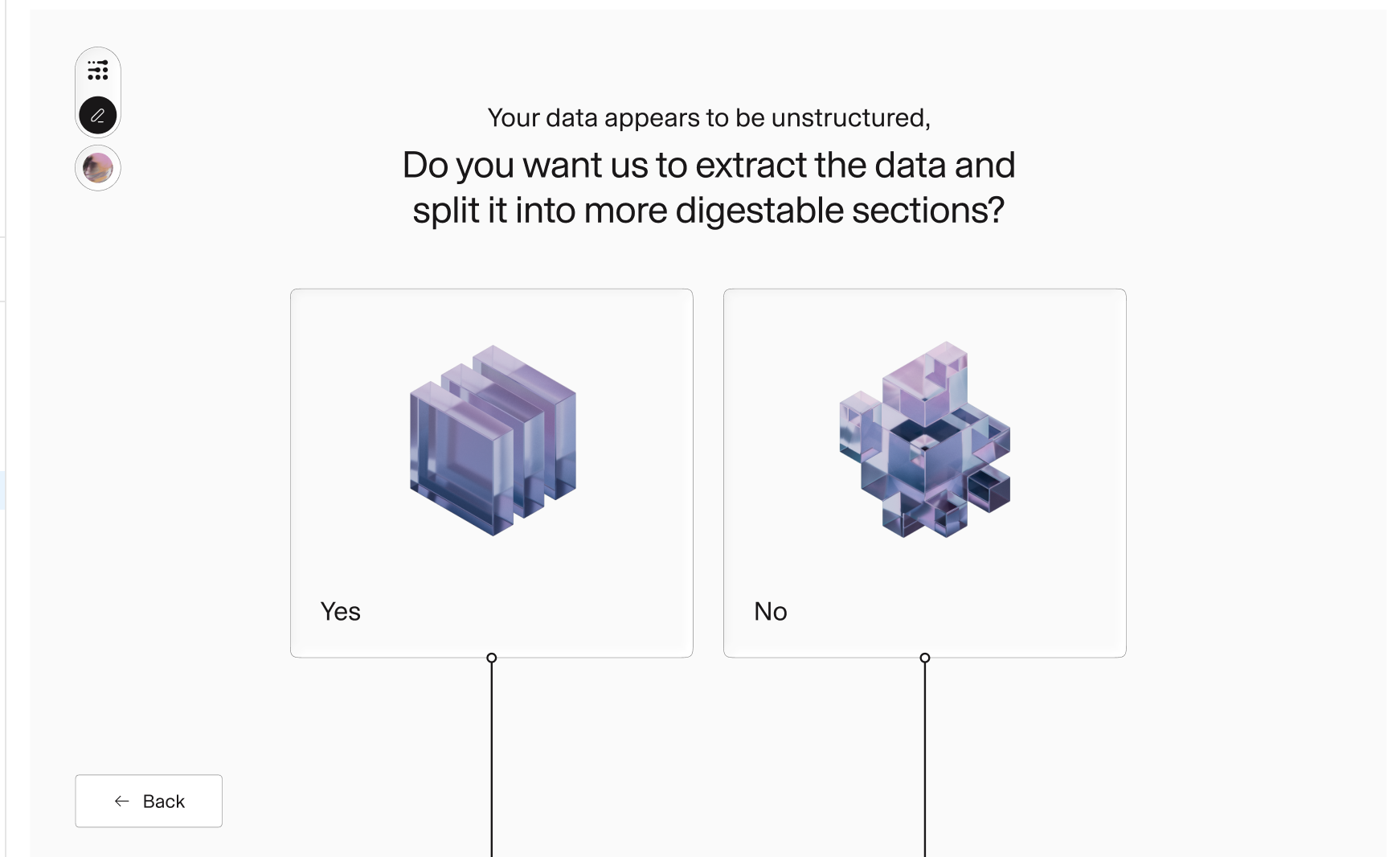
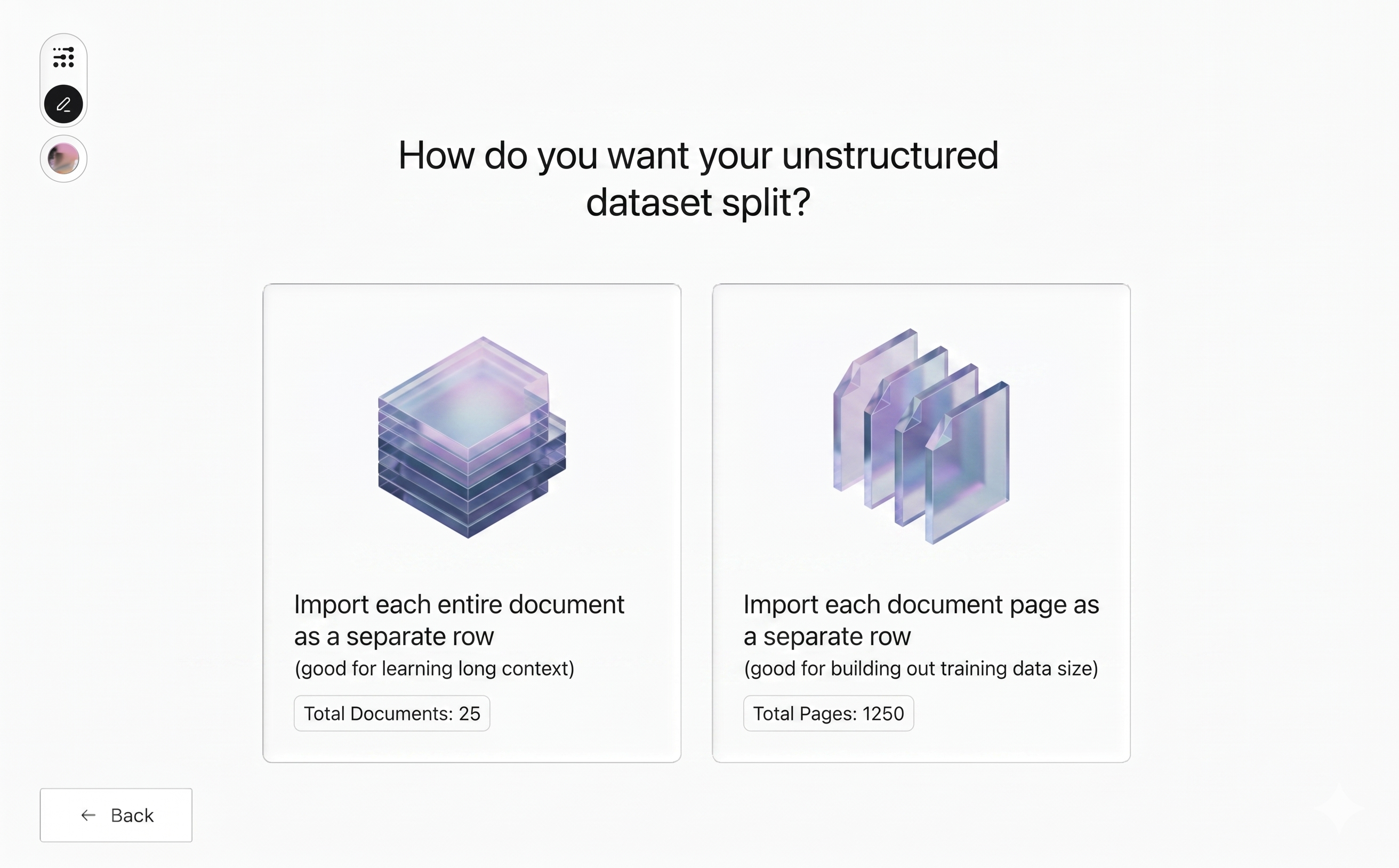
Choose how to split
Section titled “Choose how to split”Per document keeps each file as one row—best for long-context learning. Per page produces one row per page—best for growing training data size.
Typical workflows
Section titled “Typical workflows”Your split choice tends to point toward a particular column mapping when you start an adaptation run. These are common patterns to get you started—not the only valid setups—and you can mix or adapt them as your data demands.
Per page → use as the completion column
Section titled “Per page → use as the completion column”Each row holds the extracted content of a single page. A common pattern is to map that column as the completion and let Adaptive Data generate a matching prompt for you, so the dataset is ready to adapt without any further preparation. This is the fastest path from raw documents to a usable instruction-style dataset.
Per document → use as a context column with a universal prompt
Section titled “Per document → use as a context column with a universal prompt”Each row holds an entire document. A common pattern is to map that column as a context column and write a single universal prompt that applies to every row—turning ingestion into a one-shot extraction job over your corpus. For example:
Summarize the key facts from this document.
The same prompt runs against every document in the dataset, with the document itself supplied as context.
After ingestion
Section titled “After ingestion”Once both questions are answered, the platform does the extraction work and the result is a regular Adaptive Data dataset. From that point on, nothing about the workflow is special: the same column mapping, the same recipes, the same Brand controls, the same evaluation metrics, and the same export step apply. If you are new to the rest of the lifecycle, Getting started walks through it end to end.